Before: inventory everything
Every URL that receives traffic gets its destination on the new site, and every DNS record is listed: site, email, service verifications. The cache duration (TTL) is lowered a few days before.
Leaving a subscription that has become too expensive, changing CMS, moving from a rented site to one you own. Content and search rankings follow, and the redirects are written and tested before the switch, not after.
What decides whether your traffic survives and your email keeps working comes down to two lists written before D-day: the redirects, and the DNS records.
Every URL that receives traffic gets its destination on the new site, and every DNS record is listed: site, email, service verifications. The cache duration (TTL) is lowered a few days before.
The redirects go live and the site's records (A and CNAME) are repointed, in a slot chosen with you. Email doesn't move. I make the change in your account, or guide you step by step.
SSL certificate checked, then 404 errors and pages losing rankings are monitored over the following days and fixed as they come, rather than at the end of the month.
Traffic is the most visible risk, not the only one. Everything that runs the site moves house on the same day, and each building block is checked before the switch.
A plastics machining workshop (laser cutting, CNC) that also sells sheets, tubes and parts online.

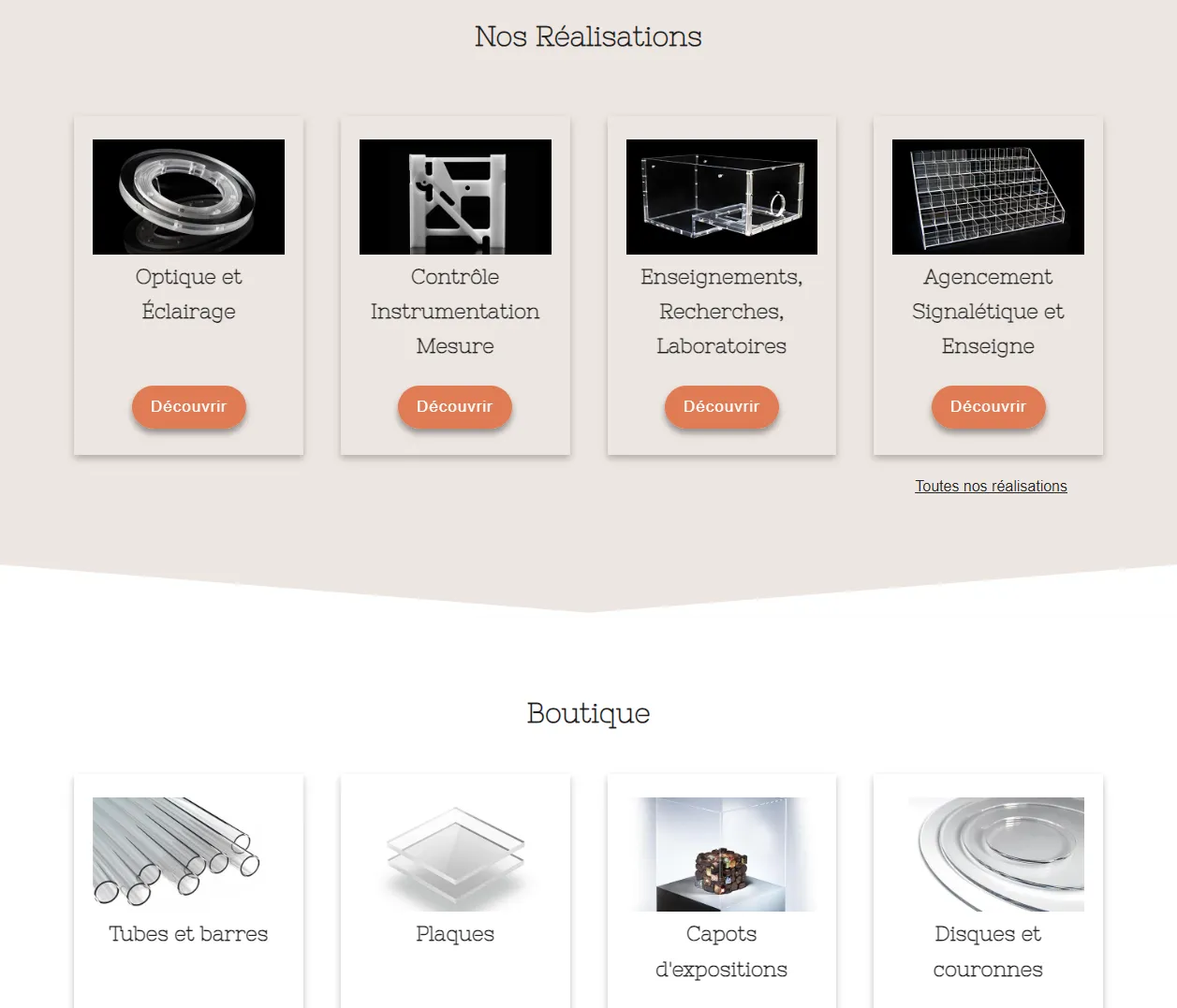
“We had the opportunity to work with Pascal on the migration and redesign of our website. Pascal did an excellent job and made himself available throughout the project. He is very clear and concise in what he undertakes. We recommend him!”
BLOX Usinage Plastiques, Google review
The volume of products and pages, and the structure of the existing URLs, decide the price. It is set in the quote, after the discovery call, before you commit.
Content carried over, built in staging, redirect plan tested, switch in a chosen slot and monitoring over the following days. The visual redesign can be carried out in the same project.
Book a callNo VAT charged: VAT exemption scheme for small businesses, art. 293 B of the French General Tax Code.
The platform suits you and it's the site that has aged? A redesign is enough. Moving to Shopify? The store itself (theme, product pages, payment) is detailed on the Shopify store page.
Five questions, 20 seconds. You get the service that fits, a budget range and a timeline. No email address asked.
Take the questionnaireTwo to four weeks for a store or a site of ordinary size, a good half of it spent on carrying over the content and the redirect plan. The switch itself takes a few hours and happens at a time chosen with you, usually at the end of the week.
Not if the redirects are written beforehand. Each old URL is paired with its new destination, the list is tested in the staging environment, and it goes live at the exact moment of the switch. Traffic losses after a migration almost always come from redirects added afterwards, or from sending every page to the home page.
PrestaShop, WooCommerce, Wix, Squarespace, an ageing WordPress or a custom-built site nobody looks after any more. To Shopify, Webflow, WordPress or a website delivered as code, depending on what you need to be able to do afterwards.
Yes, and it is often the right moment: the content is carried over page by page anyway. That is what was done for Blox, where the migration and the visual redesign were carried out in the same project rather than as two successive ones.
They are redirected to the closest category, not to the home page. Sending everything to the home page is treated by Google as a disguised page not found: the ranking value doesn't carry over.
Fifteen minutes is enough to know whether we should work together. The call is free and you leave with an opinion either way.